

Windows device management
Manage Windows Pro, Enterprise and Education PCs: security policies, update control, kiosk mode and remote support.
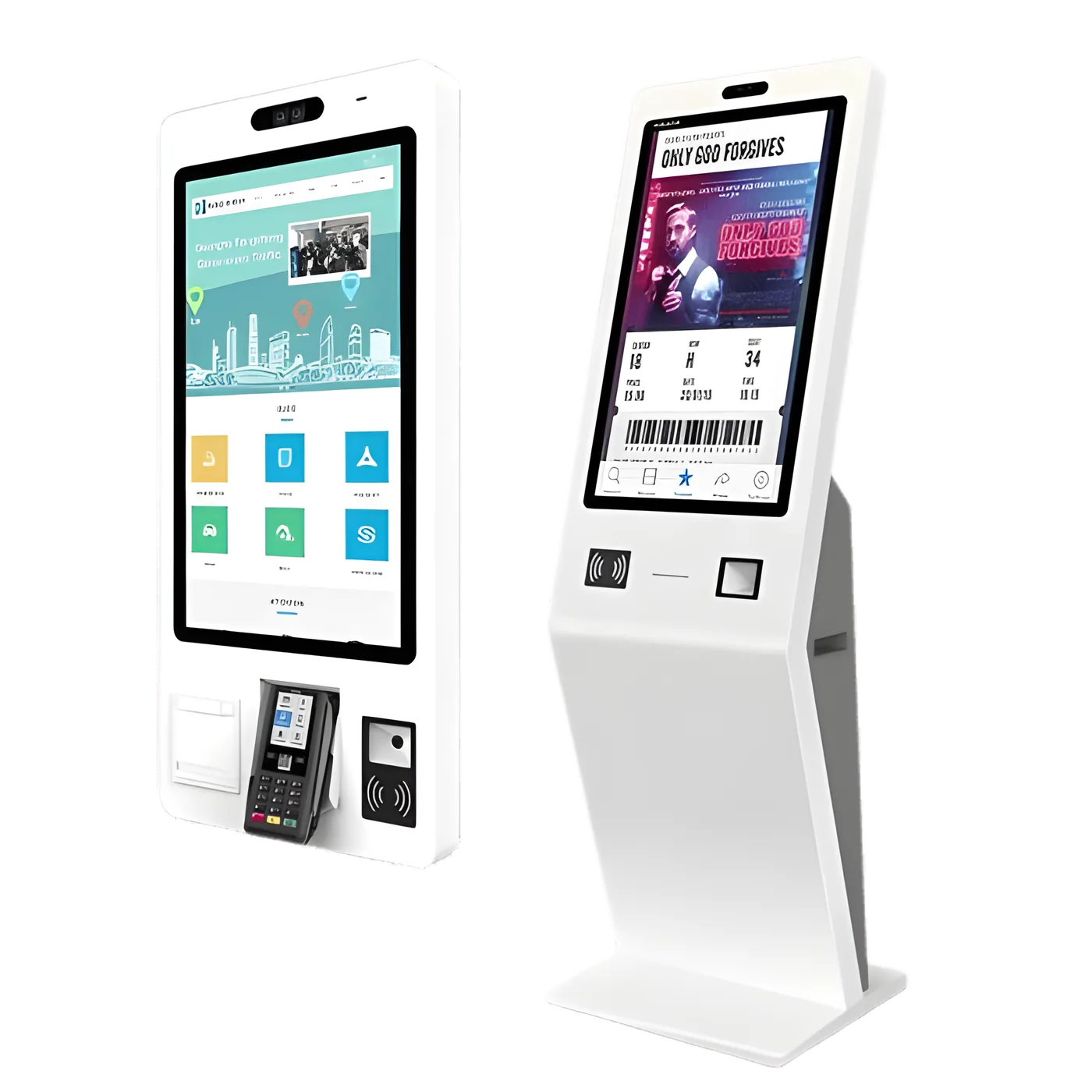
Kiosk mode for Windows
Lock a PC to one app or a set of apps, hide the rest of Windows, and schedule updates outside opening hours. The same configuration applies to every kiosk in a group.
Book a demo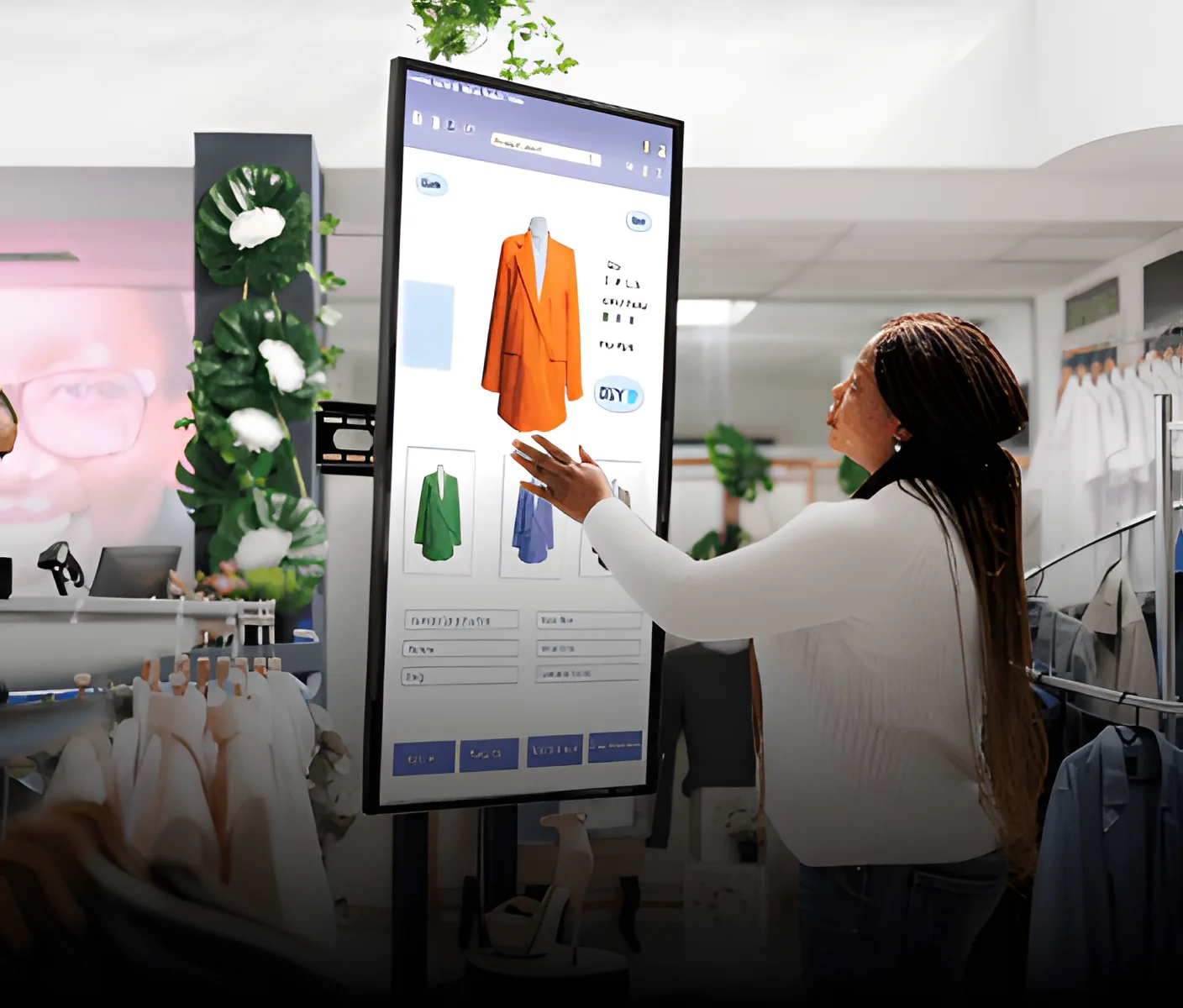
Single-app kiosks
Lock a PC to one app for reception, retail, check-in and training.
Locked-down screens
Your own sign-in message and image, with Settings pages and extras hidden.
Approved apps only
Limit PCs to the apps you choose, including Microsoft Store apps.
Scheduled updates
Install updates and restart outside opening hours.
Always-on power
Set sleep and screen-off times to suit counters and public displays.
Remote support
See the screen, restart the PC or reset it without a site visit.
Every kind of Windows PC
 Laptops
 Desktops & shared PCsKiosks
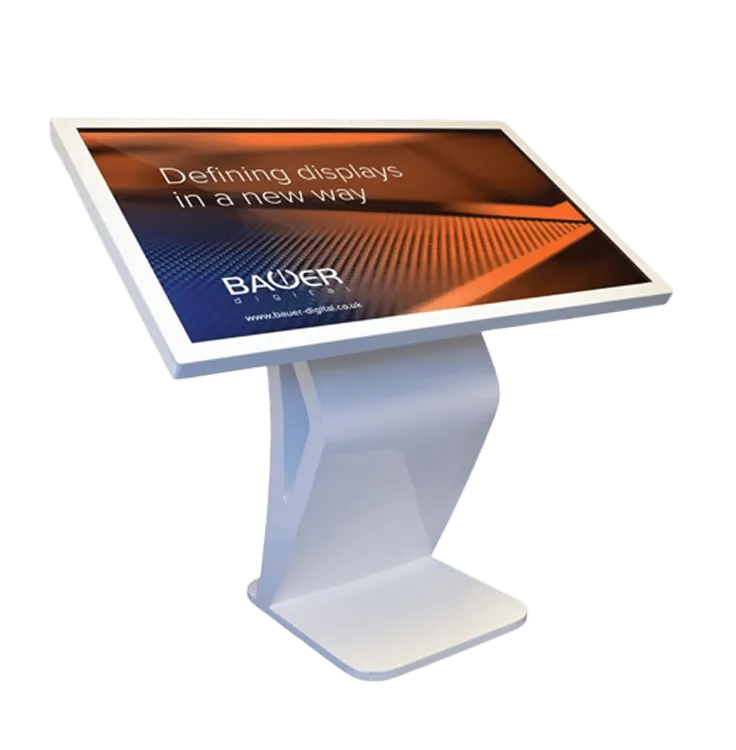 Digital signage
Supported Windows editions
One place to see, secure and support every PC in your organization.
Laptops & desktops
Windows Pro, Enterprise and Education PCs, in the office or on the road.
80+ controls
Ready-made policies for security, privacy, updates, power and more.
Automatic sync
PCs check in on a schedule and apply pending changes automatically.
Groups & roles
Group PCs by department or site and assign admin roles.
Enroll PCs in minutes
Enroll PCs over the Windows management channel. Policies and actions reach each PC automatically.
Simple enrollment
Connect a PC to FieldX in minutes. It appears in your console right away.
Groups and profiles
Create a settings profile and assign it to a group; new devices in that group receive it automatically.
Automatic check-ins
Policies and commands are delivered when each PC next syncs.
Security policies
BitLocker, Defender, firewall and sign-in policies.
Disk encryption
Require BitLocker so lost or stolen PCs do not mean lost data.
USB and storage control
Block USB drives, SD cards and phones, or allow read-only access.
Defender protection
Keep Microsoft Defender on, scan PCs on demand and update its signatures remotely.
Firewall control
Turn the firewall on for domain, private and public networks.
Password rules
Set minimum length, complexity, expiry and lock-out after failed attempts.
Sign-in control
Limit which accounts can sign in and manage Windows Hello.
Windows at work
Retail and self-service
Kiosks and counters that run one job reliably, all day.

Offices and shared desks
Company laptops and shared PCs with the same security everywhere.

Healthcare stations
Locked-down PCs for check-in desks, carts and nursing stations.

Factory floors
PCs on production lines, updated outside shifts.
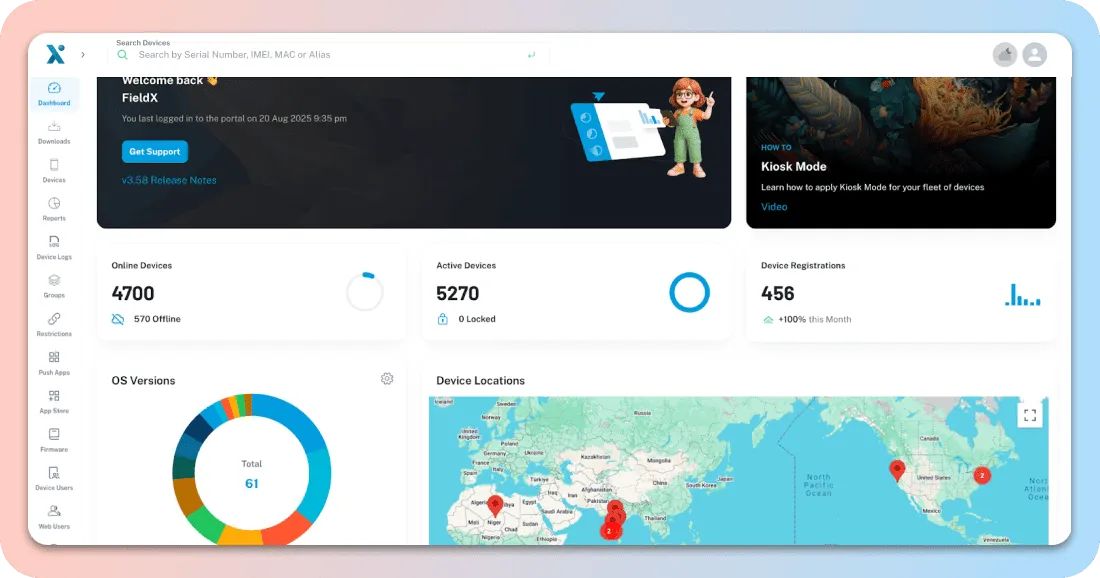
One dashboard
Every PC, kiosk and laptop in a single view.
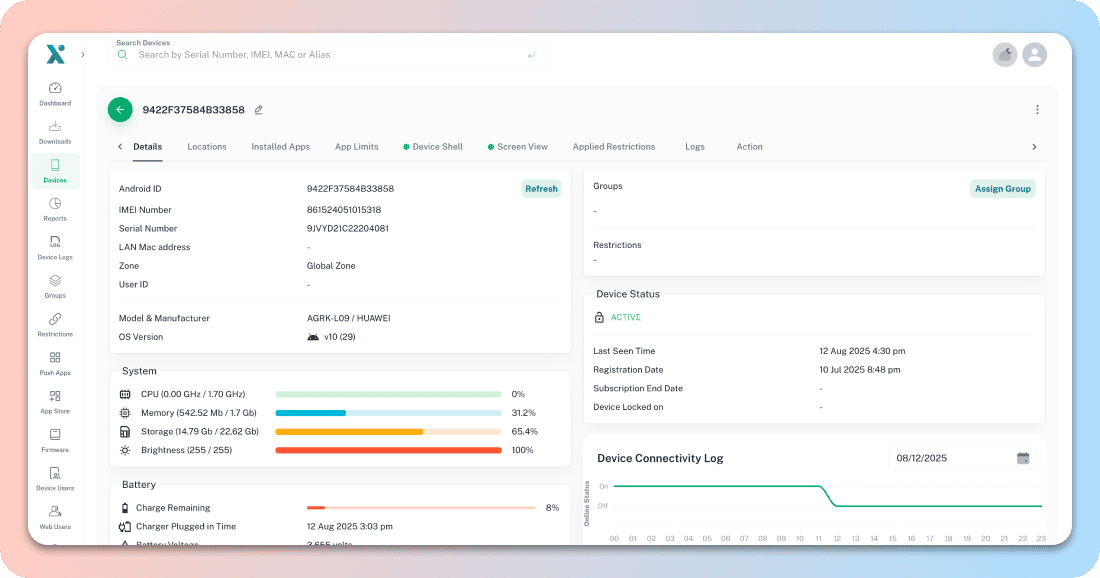
Device inventory and status
A live picture of every PC, from hardware to security status.
- Hardware and system Model, serial number, Windows edition, processor, BIOS and virtual machine status.
- Battery and power Battery level and health, so you can plan replacements before they fail.
- Security status See the encryption, antivirus and firewall state of every PC at a glance.
- Location history See where each PC has reported from over time.
- Network Wi-Fi, Bluetooth and connection history for each device.
- Audit trail A record of every action sent to a PC and its result.
Updates on your schedule
Choose which apps run, and decide when Windows updates install.
- App control Choose which apps can be installed and block installers from the internet.
- Remote removal Uninstall an unwanted app from any PC without visiting it.
- Windows Update control Set active hours, install times and restart times, and defer feature updates.
- Update deadlines Give updates a deadline so no PC stays out of date.
- Power settings Set sleep and screen-off times and battery saver for plugged-in and battery use.
- Store apps only Limit PCs to approved Microsoft Store apps.
Remote actions
Send commands to any PC from the console. They run at its next check-in.
Reboot
Restart a PC remotely to apply updates or clear a fault.
Lost Mode
Block sign-in and show a message with your contact details on a missing PC.
Defender scans
Start a quick or full antivirus scan from the console.
Live screen view
See what is on a PC’s screen to help your team solve problems faster.
Reset a PC
Reset Windows and keep user files, or wipe the PC completely.
Remove management
Unenroll a PC and remove its FieldX policies when it is retired or reassigned.
Controls built for Windows
Windows-specific controls for security, updates and privacy.
Security
- BitLocker enforcement Require BitLocker encryption on every managed PC.
- Defender in the console Run scans and update protection without opening Windows Security on each PC.
Updates & hardware
- Update rings Fine-grained control of when and how Windows quality and feature updates arrive.
- Device-class blocking Stop specific kinds of hardware from being installed on a PC.
Privacy & accounts
- Copilot and Recall controls Decide whether Windows Copilot, Recall and OneDrive sync are available on your PCs.
- Work accounts only Keep personal Microsoft accounts off company PCs.
Other supported platforms
Start managing your Windows devices with FieldX
All features are included in every plan. Try FieldX free for one month, no credit card required.