

Android device management
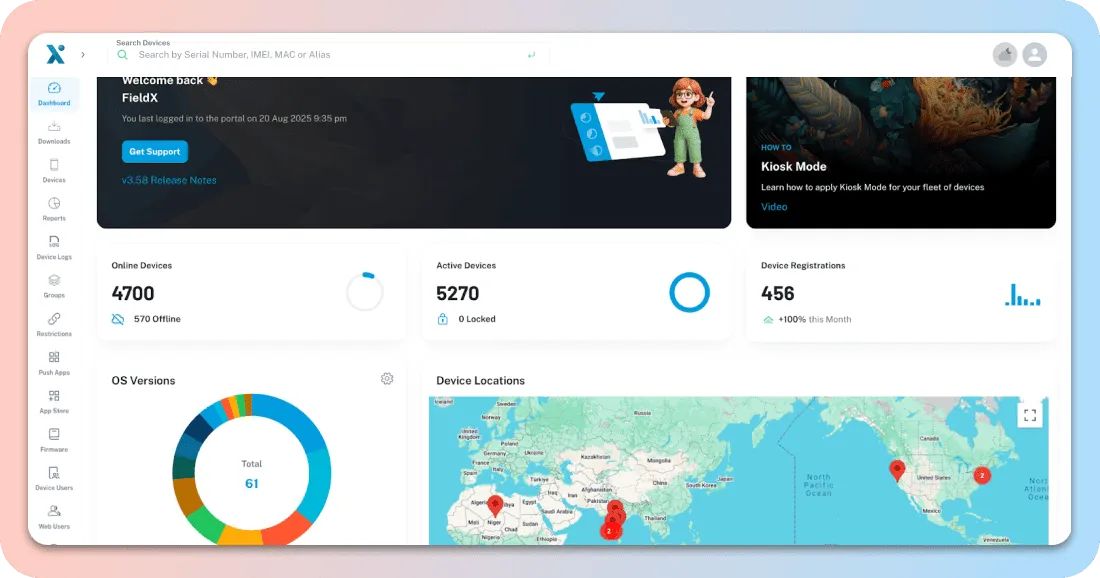
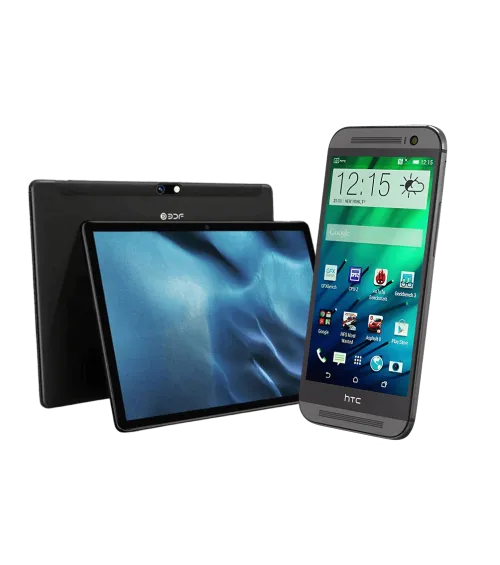
Manage phones, tablets, rugged handhelds and custom hardware through Android Enterprise or the FieldX agent.
Child-safe Android phones
FieldX restricts an Android phone to approved apps and websites, enforces screen-time limits and reports the device's location. It is used by parents, schools and organizations that issue phones to young users. The child cannot uninstall or disable the controls.
Book a demo
Approved apps only
Choose exactly which apps appear. Everything else stays hidden or blocked.
Safe web browsing
Filter unsafe and distracting websites and keep browsing on trusted content.
Screen-time windows
Set the hours the phone can be used for study, leisure and at night.
Location and area alerts
See where the phone is and be told when it enters or leaves home, school or another area.
Calls and messages control
Decide who the phone can call and message.
Tamper protection
Block factory reset, safe mode, developer options and removal of the controls.
Supported device types
Phones & tablets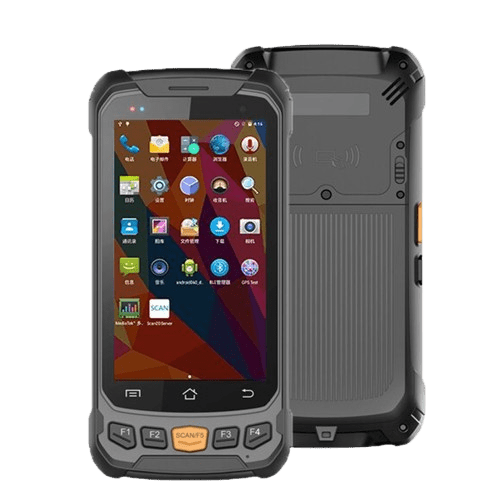 Rugged devices
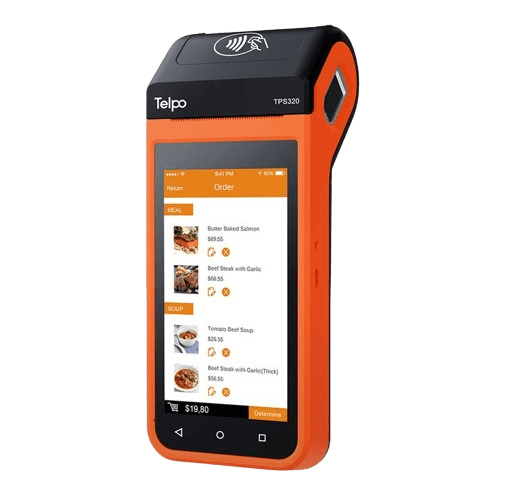 Point of sale
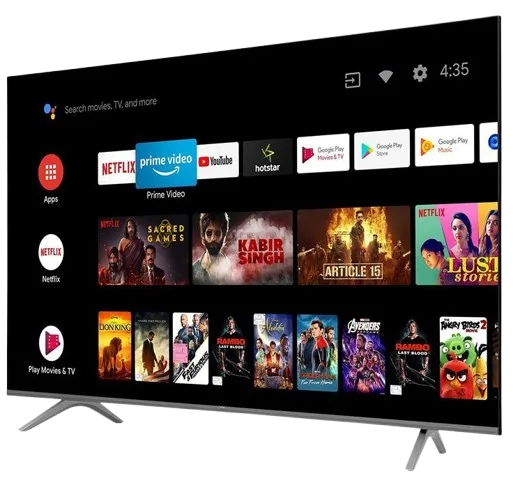 Android TV
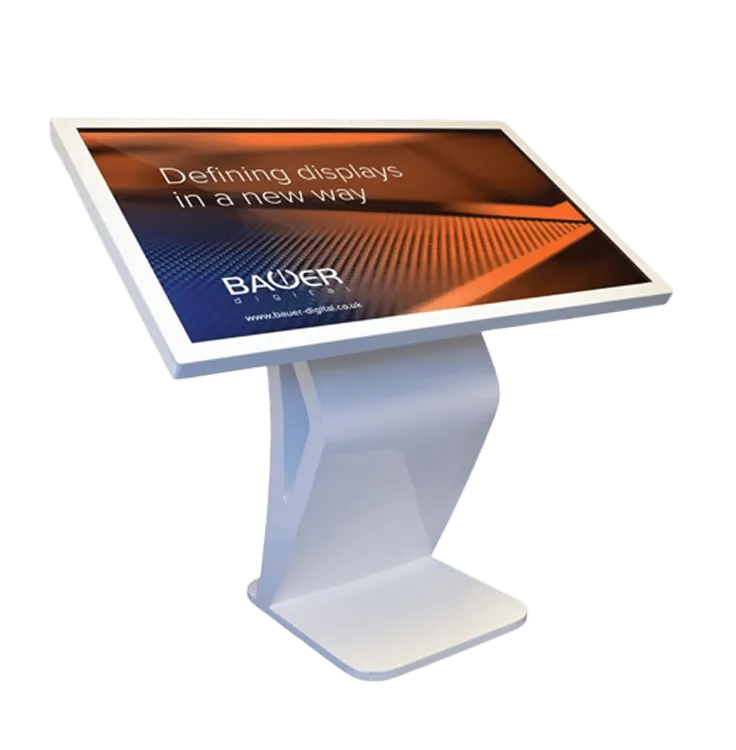 Digital signage
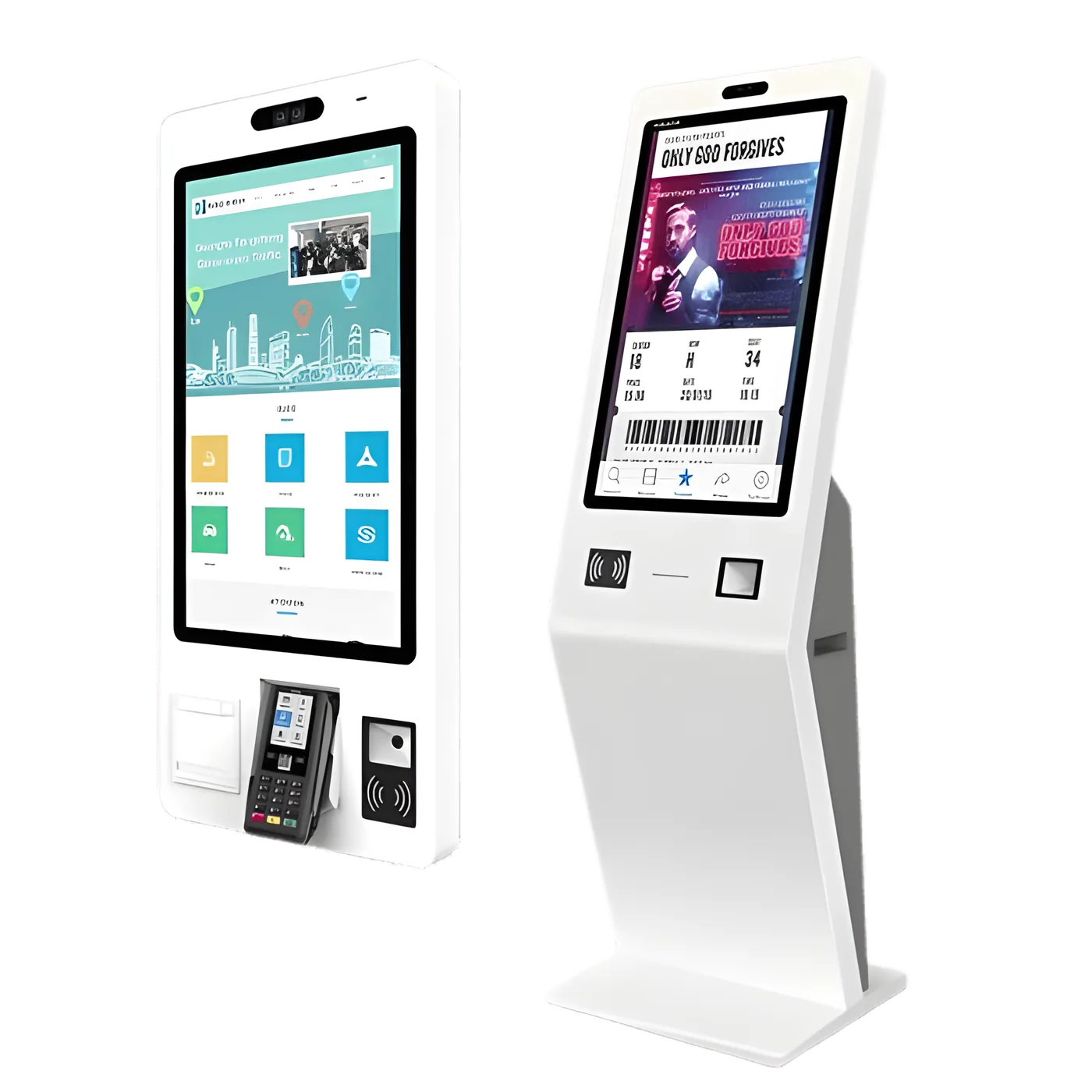 Kiosks
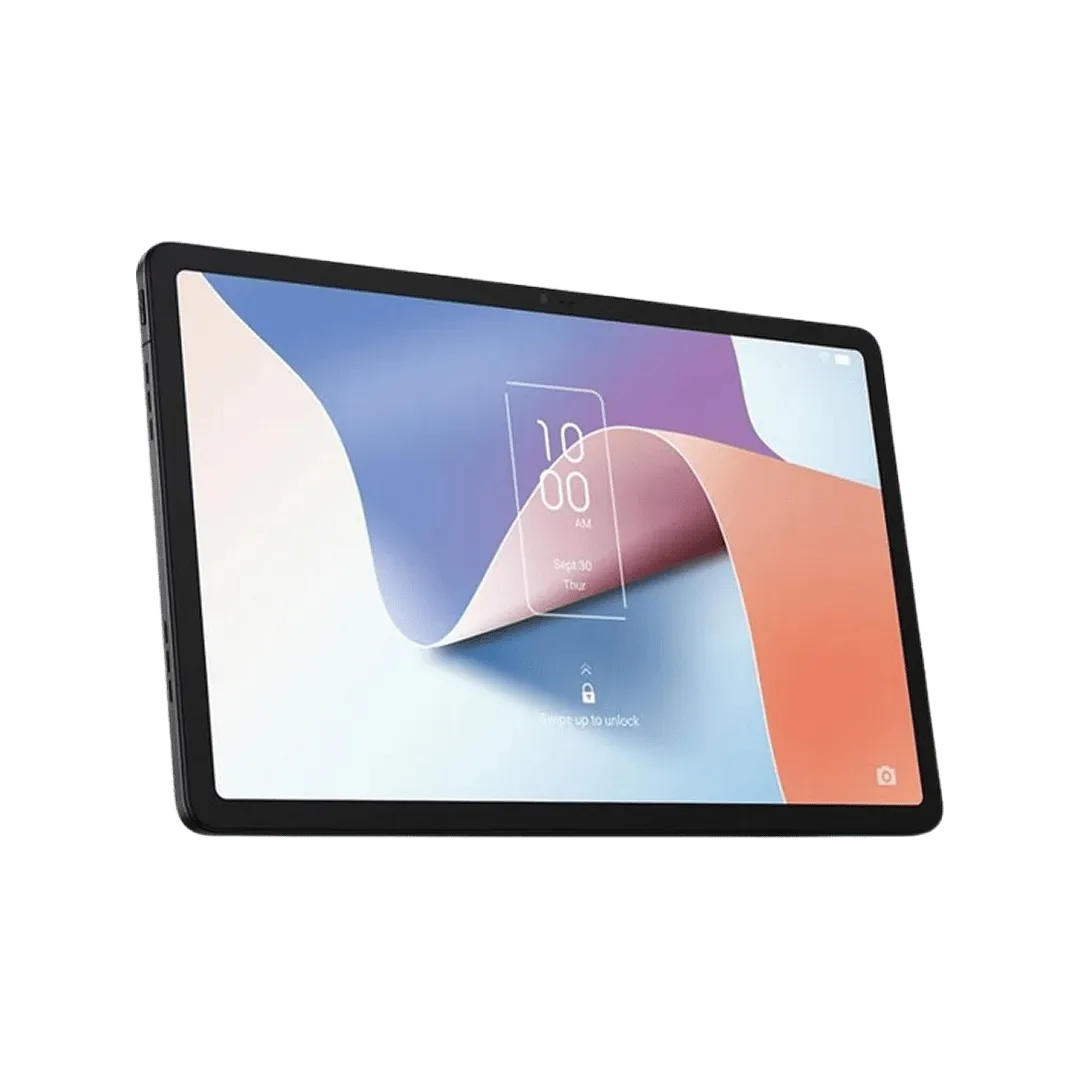 Custom devices
Supported Android devices
One console for every Android device you own, from standard phones to custom hardware.
Every Android form
Phones, tablets, rugged handhelds, TVs, kiosks and POS devices.
150+ controls
Ready-made policies for apps, security, networks and usage.
Two ways to enroll
Android Enterprise for standard devices, FieldX mode for custom ones.
Groups & roles
Group devices by team or site and assign admin roles.
Two ways to enroll
Choose how each device joins: through Google’s Android Enterprise, or through FieldX’s own mode for custom devices.
Android Enterprise
Enroll standard Android devices through Google and manage work apps, accounts and policies.
FieldX mode
Manage custom, rugged and non-Google Android hardware with the FieldX agent.
Groups and profiles
Create a settings profile and assign it to a group; new devices in that group receive it automatically.
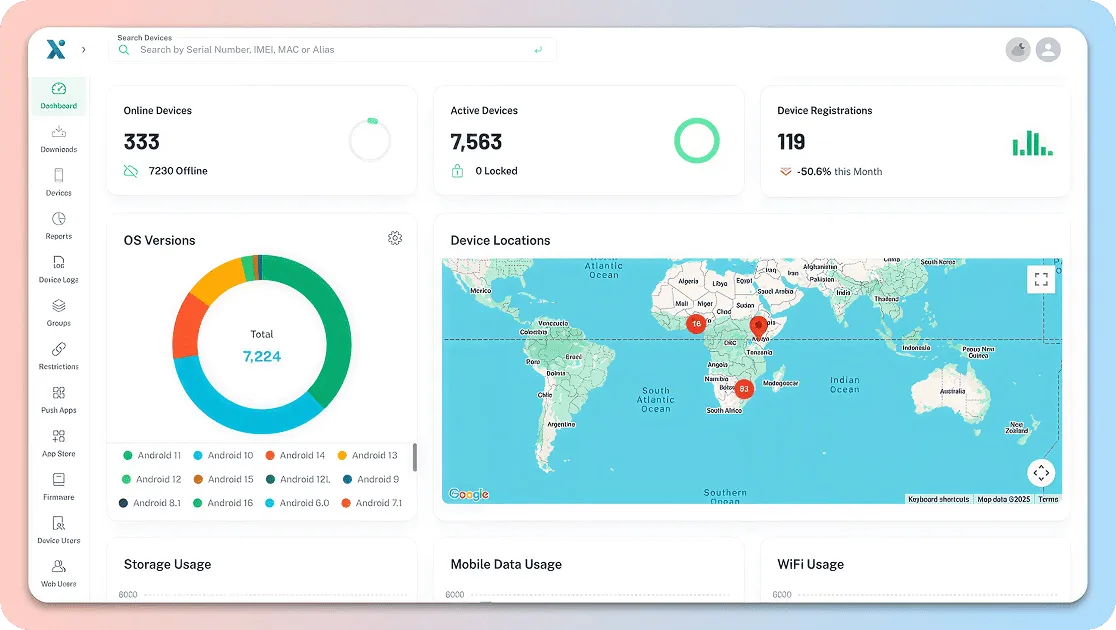
Device inventory and status
A live picture of every device, from battery to location.
- Hardware and system Model, serial number, Android version, storage and memory for each device.
- Battery and power Battery level and health, plus charging and power details.
- Mobile network Carrier, signal and data usage for each device.
- Live location See where each device is now and where it has been.
- Compliance status See which devices meet your rules and which need attention.
- Audit trail A record of every action sent to a device and its result.
Security and compliance policies
Passcode, reset protection, USB and network policies.
Passcode and lock screen
Set password length, complexity and lock-out rules.
Reset and boot protection
Stop factory resets, safe mode and developer options.
USB and storage control
Block USB file transfer and external storage.
Certificates
Deliver certificates and credentials to devices (Android Enterprise).
Safe web access
Filter websites to keep browsing on trusted content.
Wi-Fi, VPN and mobile data
Set up networks for users and limit mobile data use.
Key features in action
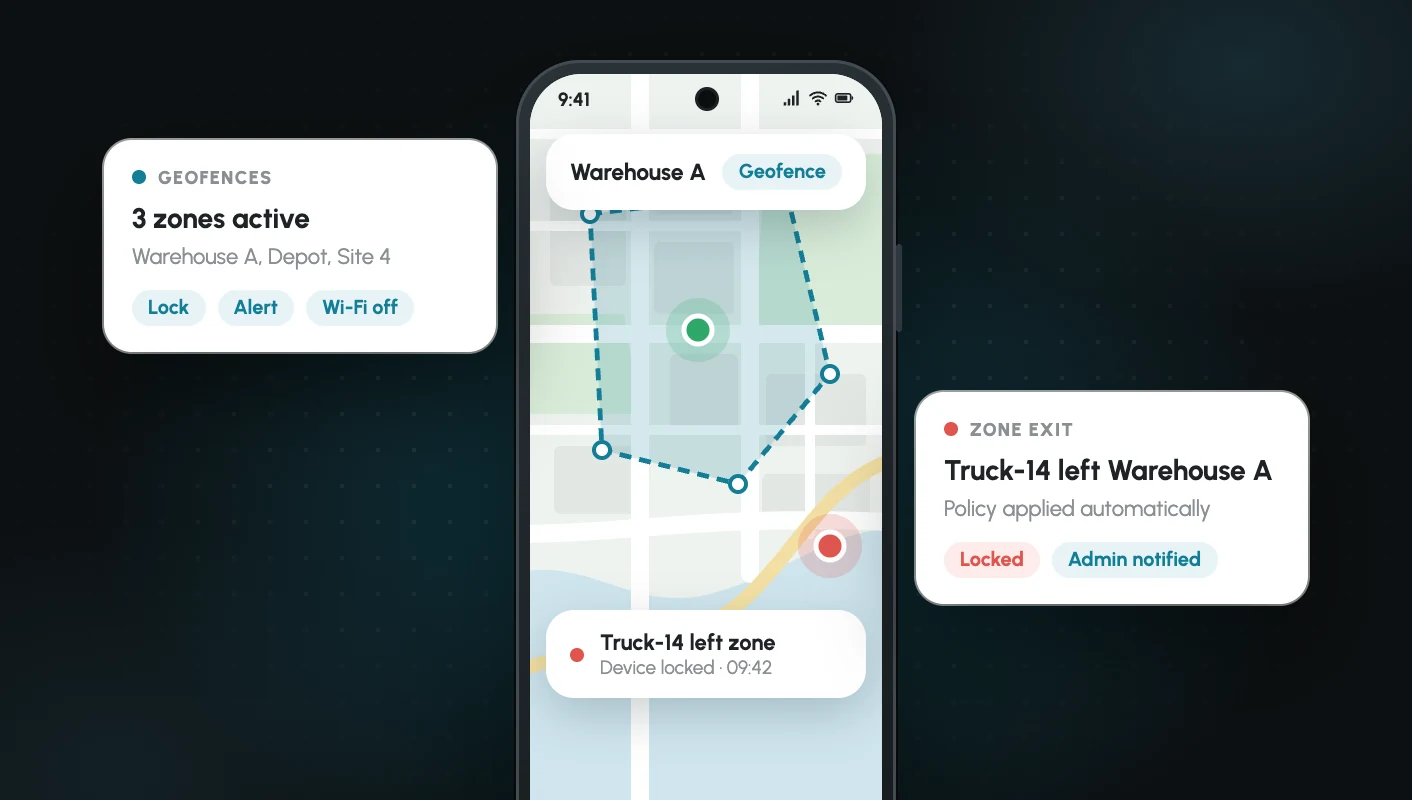
Geofencing
Draw an area on the map and act when a device enters or leaves it.
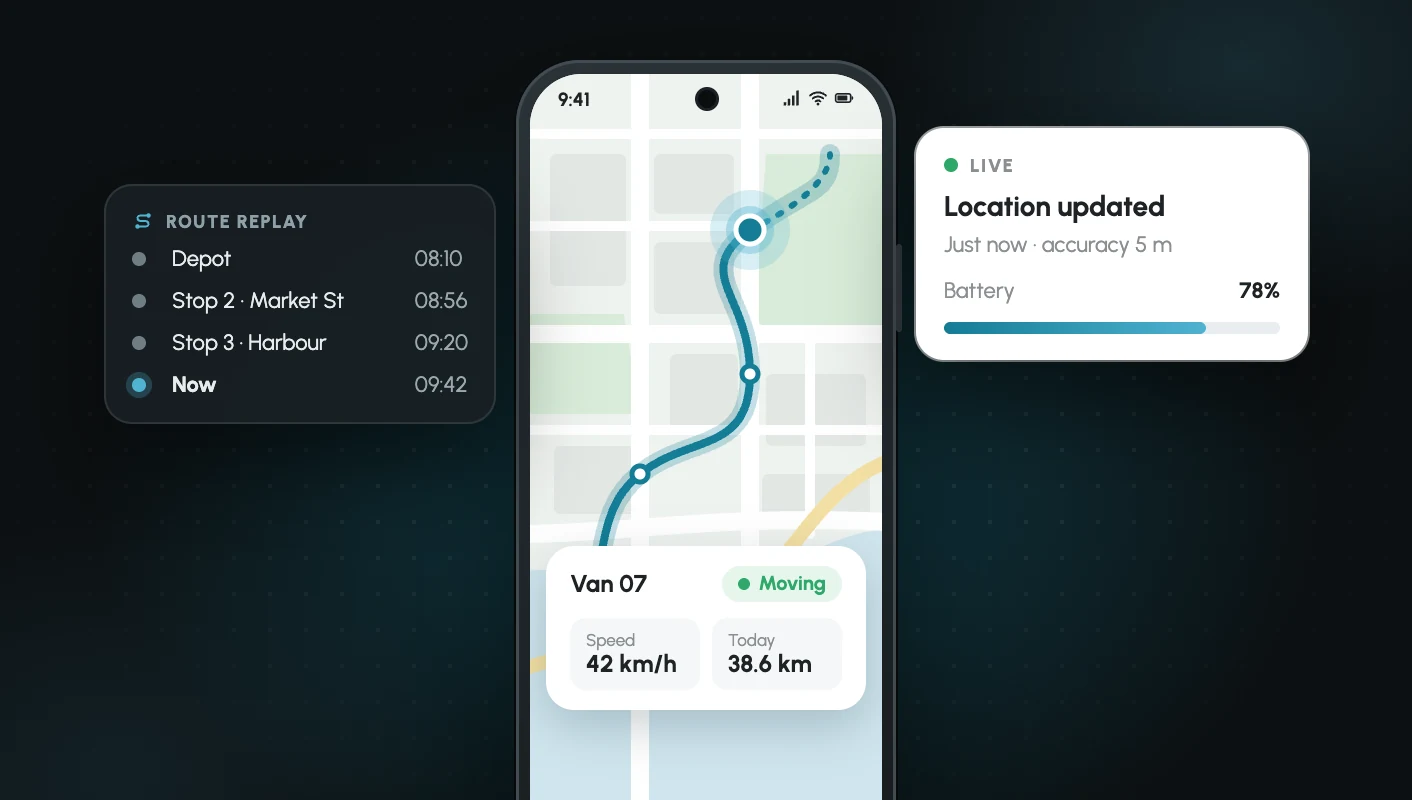
Live tracking
Follow devices in real time and replay where they have been.
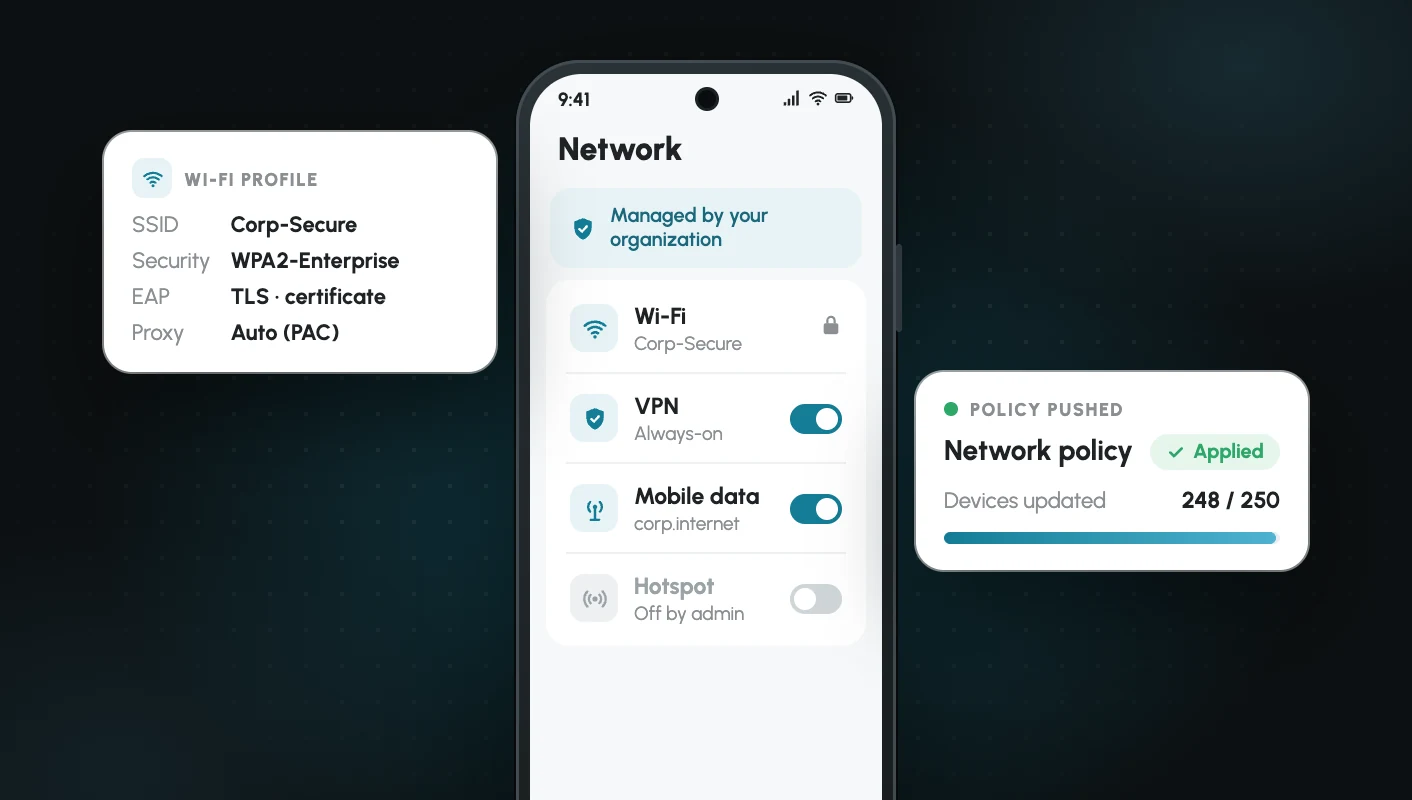
Network settings
Push Wi-Fi, VPN and mobile data settings to every device at once.
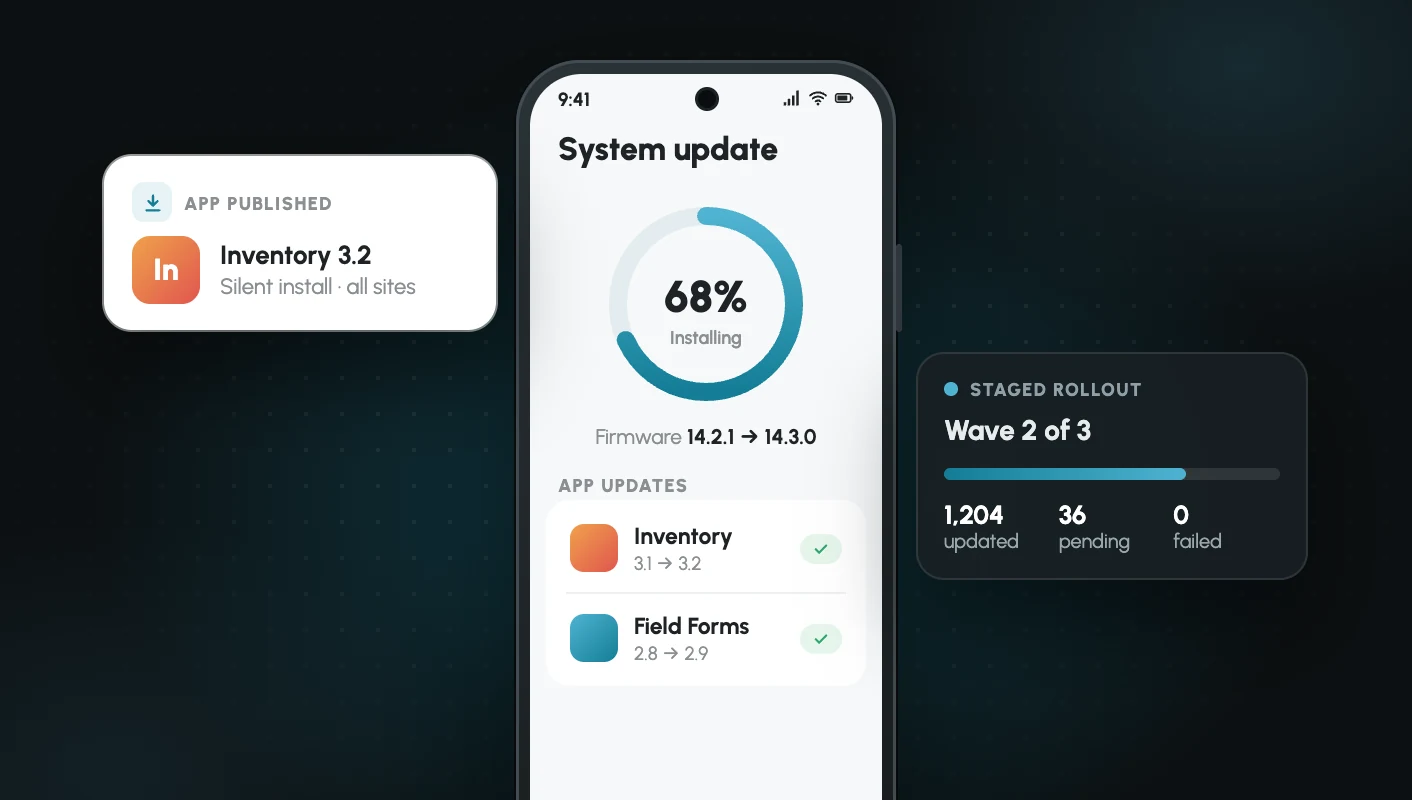
Apps & firmware over the air
Publish apps and roll out firmware updates without collecting devices.
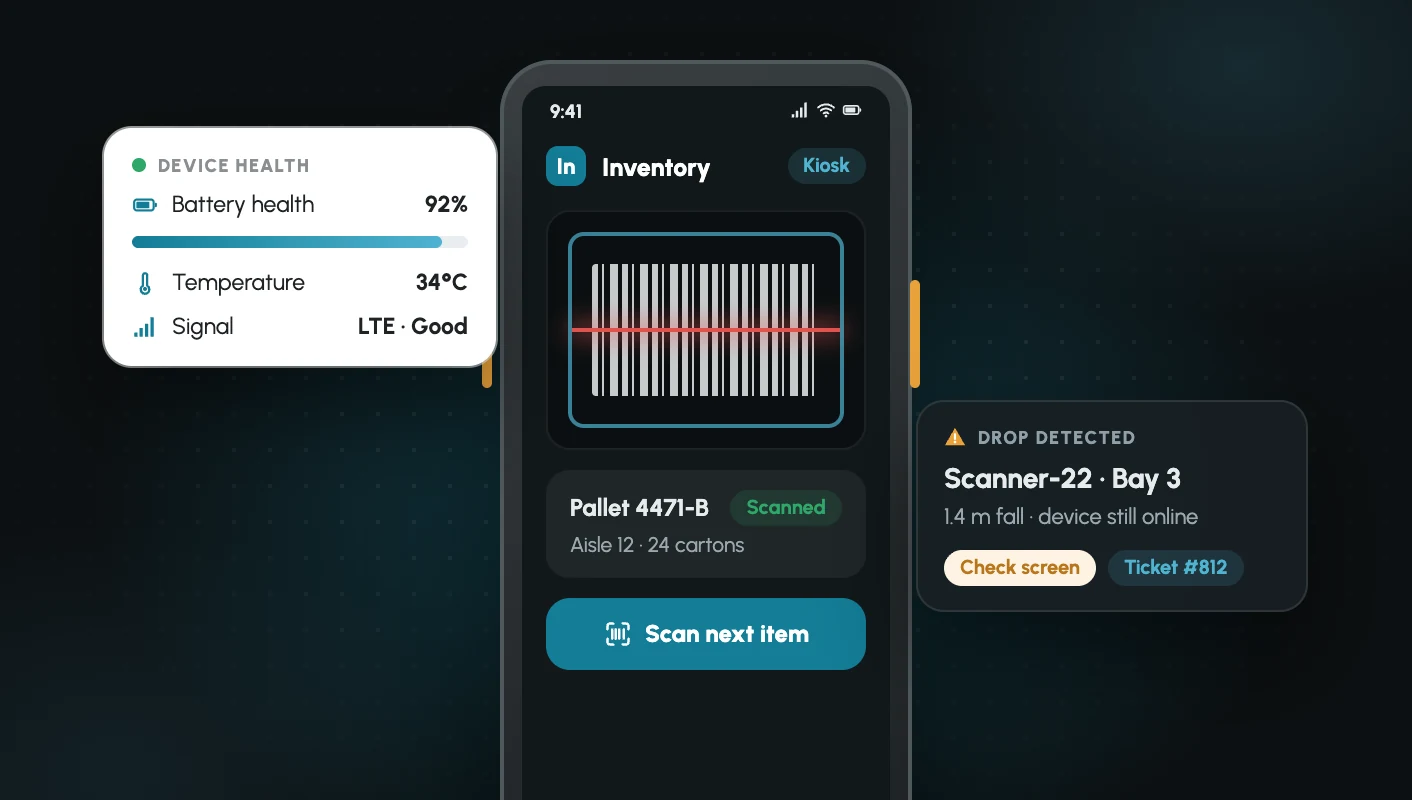
Rugged devices in the field
Keep handhelds and rugged tablets working on site, in vehicles and in warehouses.
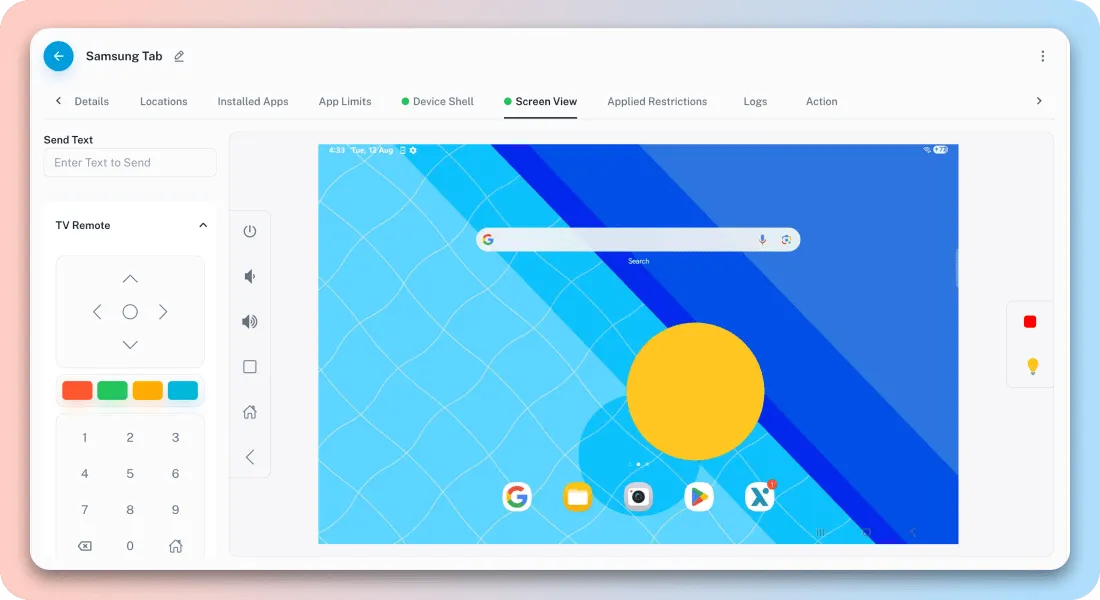
Remote support
View the device screen and resolve issues with the user.
Kiosk and dedicated devices
Turn any Android device into a single-purpose tool.
Kiosk mode
Lock a device to one app or a short list, ideal for POS, signage and self-service.
Usage limits
Set usage hours or daily time limits per app.
Settings override
Override device settings and hide the controls users should not touch.
Remote actions
Commands run on the device and report their result in the audit trail.
Lock and unlock
Lock a device remotely or reset its passcode.
Ring and message
Ring a lost device or send an on-screen message to its user.
Reboot
Restart a device remotely to clear a fault.
Remote support
View the device’s screen and run commands to solve problems faster.
Factory reset
Wipe a device completely when it is lost or retired.
Remove management
Unenroll a device and remove its FieldX policies when it is retired or reassigned.
Lease, custom hardware and SMS control
Capabilities for financed devices, custom hardware and offline control.
Business models
- Device lease expiry Set a lease end date for financed or rented devices, with custom reminders.
- Data allowance control Cap monthly network usage per device.
Hardware & networks
- Custom Android hardware Manage rugged, AOSP and custom-built devices that Google does not cover.
- SMS control Send commands to devices by text message when data is unavailable.
Other supported platforms
Start managing your Android devices with FieldX
All features are included in every plan. Try FieldX free for one month, no credit card required.