Apple device management for iPhone, iPad and Mac
Zero-touch enrollment through Apple Business Manager, supervised controls, web filtering and app distribution for iPhone, iPad and Mac.
Web filtering for schools and businesses
Block categories of websites or allow only an approved list, with different rules for groups such as students, staff and executives.
Book a demo
Block unsafe sites
Keep adult, risky and distracting websites off managed devices.
Allow trusted sites only
Limit browsing to an approved list for classrooms and kiosks.
Safari controls
Control what Safari can do, from private browsing to autofill.
Rules per group
Students, staff and executives each get the right level of access.
Content ratings
Restrict apps, movies and music by age rating.
One filter everywhere
Apply the same filtering rules to every managed device.
Every Apple device your teams use
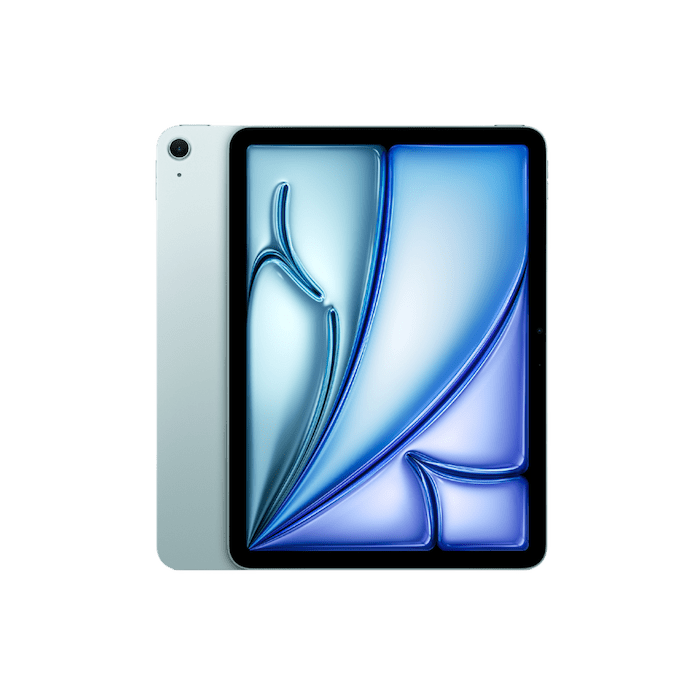
 iPhoneiPad
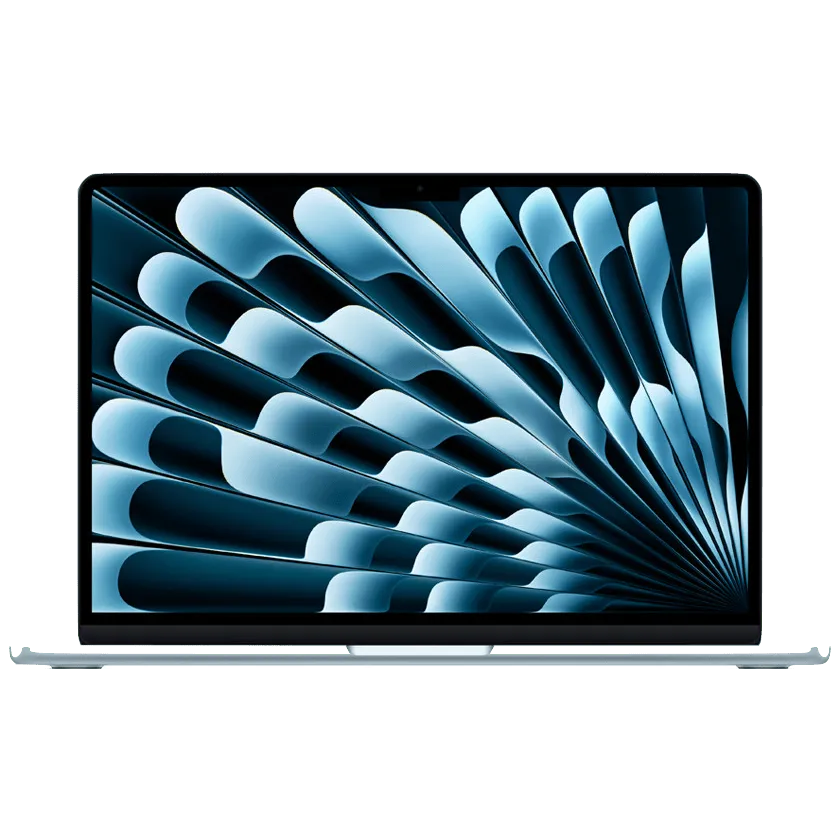 MacBook
 iMac
Supported Apple devices
One console for every Apple device in your organization.
iPhone, iPad and Mac
One platform for iOS, iPadOS and macOS.
200+ controls
Ready-made restrictions for security, apps, content and services.
Zero-touch setup
Devices enrolled in Apple Business Manager configure themselves at first startup.
Groups & roles
Group devices by class, team or site and assign admin roles.
Apple devices in schools and businesses
Separate controls for classroom iPads and for company iPhones, iPads and Macs.
Classroom management
Give teachers controls built for a classroom of iPads.
Single-app mode
Lock an iPad to one app for tests, reading or a lesson.
Age-appropriate content
Restrict apps, movies and music by age rating.
Managed Apple IDs
Keep student accounts and school data separate from personal ones.
Zero-touch rollout
New devices arrive configured through Apple Business Manager.
Supervised security
Deeper control of settings, apps and content on company devices.
Mac encryption
Keep Mac disks encrypted with FileVault and rotate recovery keys remotely.
iCloud and services
Decide which Apple services are allowed on company devices.
Enrollment
Devices set up automatically through Apple Business Manager, or enroll them manually.
Zero-touch enrollment
Link Apple Business Manager and new devices enroll automatically, already configured.
Manual enrollment
Enroll existing devices with a simple QR code or link.
Groups and profiles
Create a settings profile and assign it to a group; new devices in that group receive it automatically.
Apple devices at work and at school
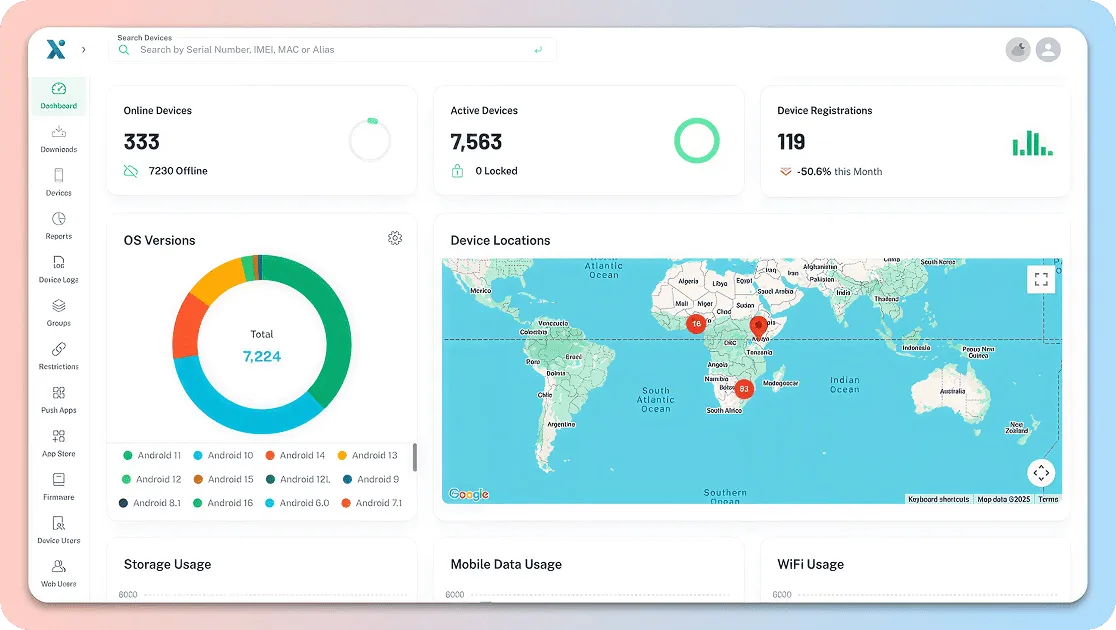
Fleet overview
Every iPhone, iPad and Mac with its status, in one dashboard.
Live screen view
See a device’s screen to help users faster.
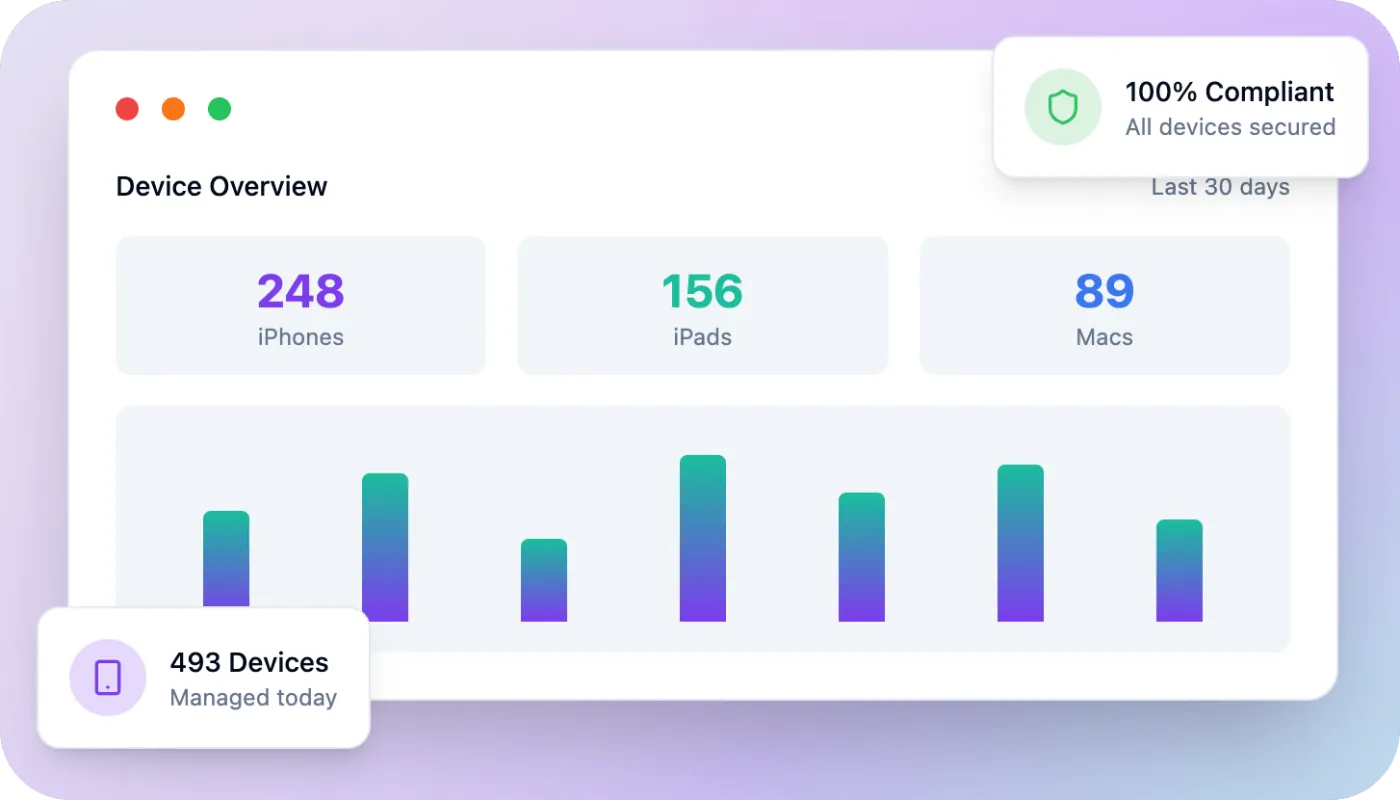
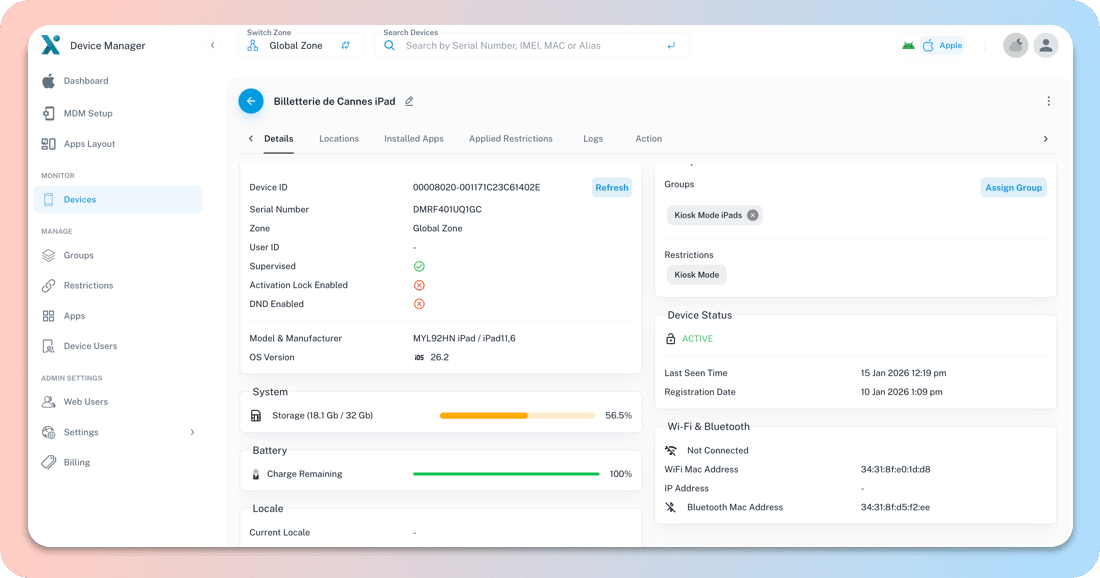
Compliance at a glance
See which devices meet your rules and which need attention.

Ready for business
Company iPads and iPhones set up with the apps and accounts teams need.
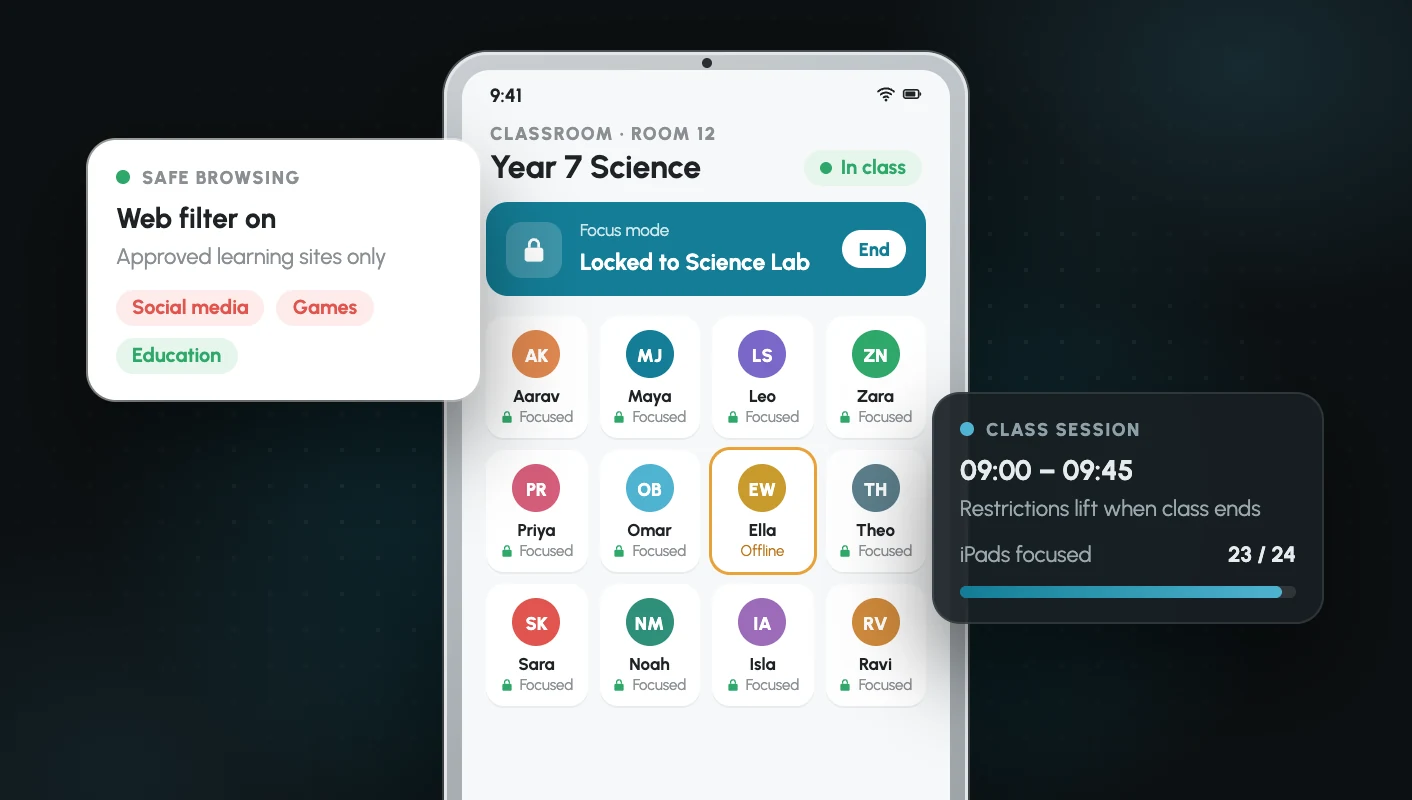
Ready for the classroom
Student devices focused on learning, with safe browsing built in.
Security that follows your rules
Passcode, supervision, iCloud and FileVault policies.
Control access
- Passcode policy Set passcode length, complexity, expiry and lock-out rules.
- Supervised controls Use supervised mode for deeper control over settings, apps and content.
Protect data
- iCloud controls Decide which iCloud services are allowed on company devices.
- FileVault Rotate Mac recovery keys and keep Mac disks encrypted.
Secure connections
- Safe web access Filter websites and limit Safari to trusted content.
- Wi-Fi settings Push Wi-Fi networks and credentials to devices.
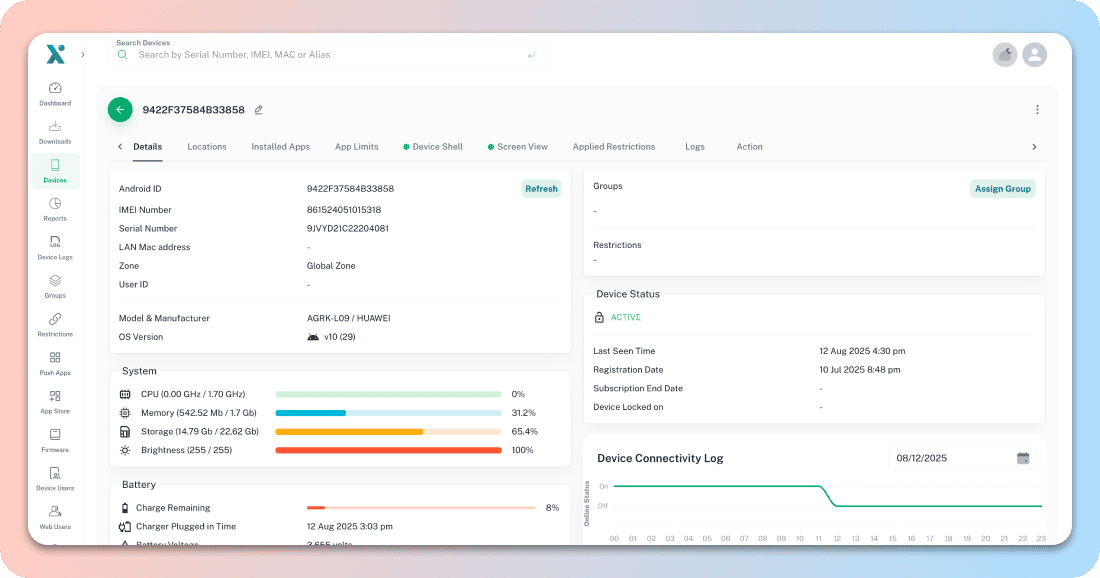
Apps, books and updates in one place
Choose which apps run, push new ones, and keep the system current.
- App distribution Push apps and books from your Apple Business Manager licenses.
- Force app updates Update apps on every device with one command.
- OS updates Update iOS, iPadOS and macOS remotely.
- Hide system apps Hide built-in apps and features you do not want in use.
- Managed Apple IDs Keep work apps and data separate from personal accounts.
- Content ratings Restrict apps, movies and music by age rating.
Kiosks, check-in desks and single-app iPads
Turn iPads and iPhones into single-purpose devices.
Single-app mode
Lock an iPad to one app for kiosks, check-in desks and self-service.
Classroom management
Give teachers controls built for a classroom of iPads.
Lock screen and settings
Control the lock screen, Control Center and what users can change.
Remote actions
Commands run on the device and report their result in the audit trail.
Lost Mode
Lock a missing device and show a message with contact details.
Lock and clear passcode
Lock a device remotely or clear a forgotten passcode.
Send a message
Show a message on a device’s lock screen.
Live screen view
See what is on a device’s screen to solve problems faster.
Wipe
Erase a device completely when it is lost or retired.
Remove management
Unenroll a device and remove its FieldX policies when it is retired or reassigned.
Other supported platforms
Start managing your Apple devices with FieldX
All features are included in every plan. Try FieldX free for one month, no credit card required.