

Securely manage all your Apple devices using FieldX



Powerful Management Fetures
Everything you need to manage, secure, and deploy Apple devices at scale. Built for enterprise requirements.

Manage Apps & Books
Push, update, and remove App Store and custom apps silently, ensuring teams always have the right versions without needing admin rights.
Network Settings
Configure and deploy Wi-Fi, VPN, and cellular settings across your Apple device fleet with zero-touch deployment.
Location Tracking
Monitor device locations in real-time with Find My integration. Enable Lost Mode and track device movement history.
Restrictions & Policies
Enforce Apple-specific app restrictions, content filtering, and device usage policies for complete control.
Managed Apple IDs
Create and manage enterprise Apple IDs through Apple Business Manager. Control app purchases and iCloud access.
Remote Actions
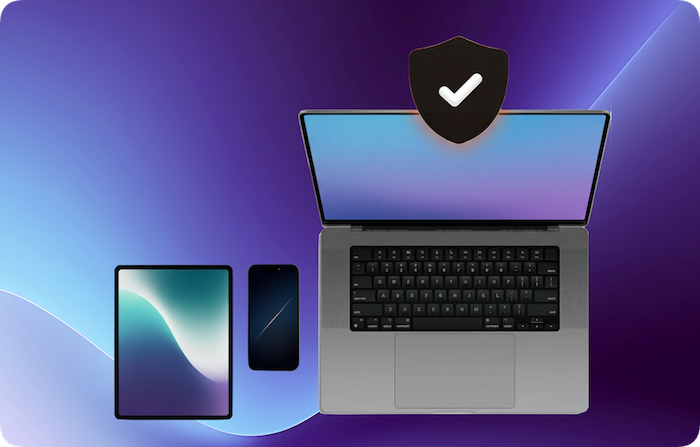
Lock, wipe, or disable a Mac remotely when it is lost, stolen, or during off‑boarding to protect company data instantly.
Complete Remote Control
Take full control of your Apple devices remotely. Troubleshoot issues, secure lost devices, and manage settings from anywhere in the world.
Single App Mode
Single App Mode lets admins lock an iPad or iPhone to a single application, preventing users from exiting or switching apps. This is especially useful for kiosks, exams, point‑of‑sale, or dedicated task devices.
Device Diagnostics
Access detailed device health metrics, battery status, and system information.
Remote Lock & Wipe
Instantly lock devices or perform secure wipes to protect sensitive data.
Lost Mode Activation
Enable Lost Mode on iOS devices with custom messages and contact information.
Flexible Enrollment Methods
Multiple enrollment options to fit your organization's needs. From zero-touch deployment to BYOD programs.
Apple Business Manager
Zero-touch deployment for corporate devices. Devices automatically enroll during setup without user intervention.
Apple School Manager
Streamlined enrollment for educational institutions. Manage student and teacher devices with classroom features.
Apple Configurator
Supervise and enroll Apple devices directly from your Mac or iPhone using the Apple Configurator tool for streamlined setup and management.
User Enrollment (BYOD)
Personal device management with privacy separation. Work data stays secure while respecting user privacy.
Profile Based Enrollment
Manual MDM profile installation via Safari. Flexible option for various deployment scenarios.
Complete Device Inventory
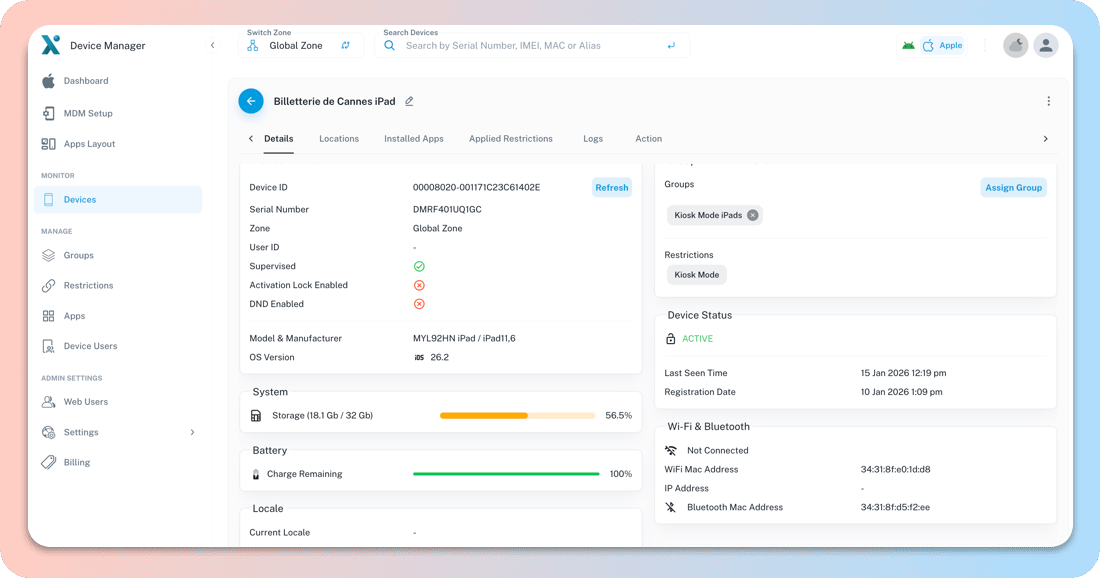
Get real-time visibility into your entire Apple device fleet. Track hardware details, software versions, and compliance status.
Complete Visibility
Fleet-wide views with detailed hardware and software data so IT teams can act quickly and confidently.
Zone Based Inventory
Organize devices by department, location, or custom zones. Easily manage distributed teams.
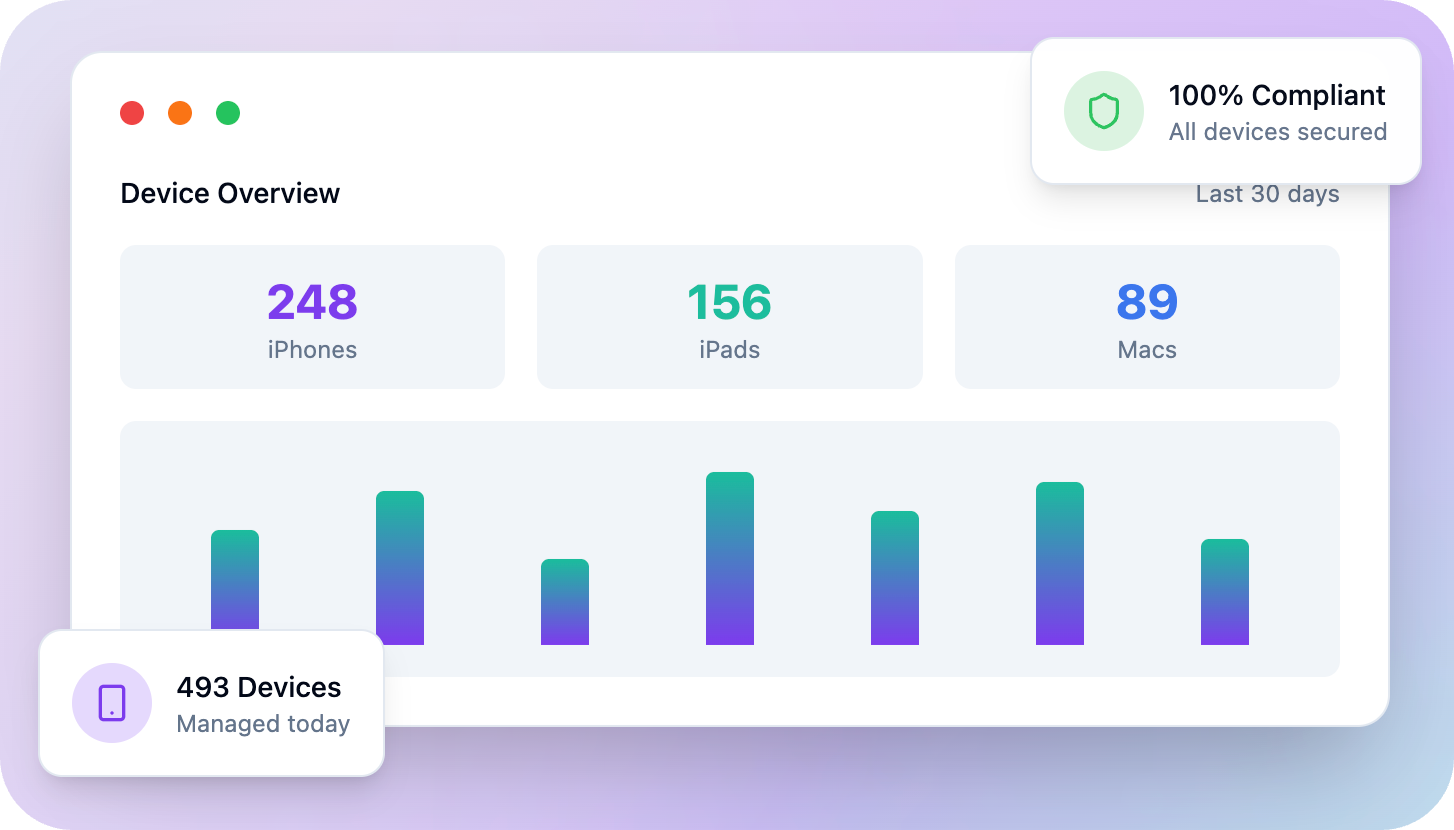
Compliance Dashboard
Track MDM compliance status across your fleet. Identify non-compliant devices instantly.